📊 Executive LIS Dashboard
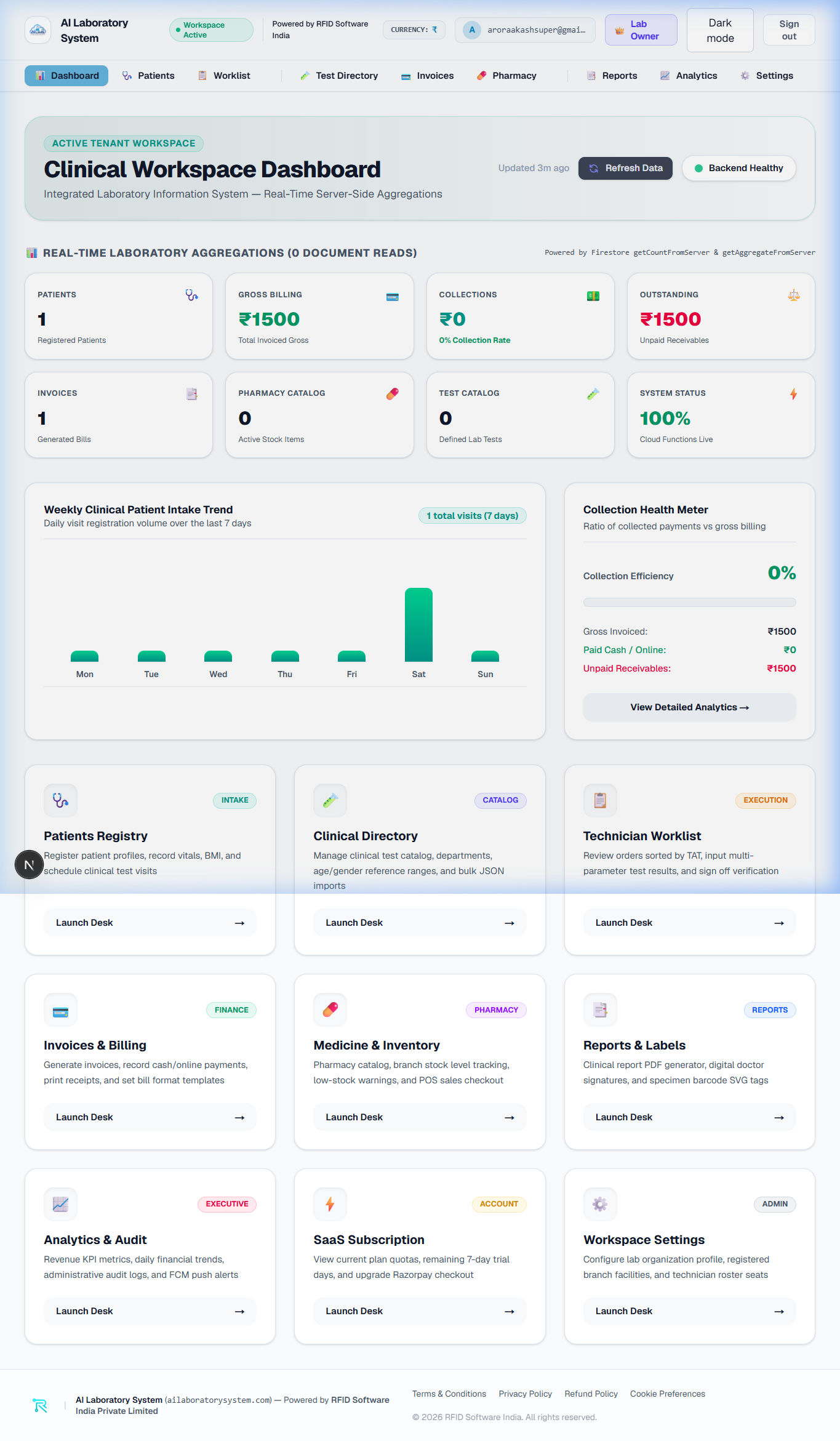
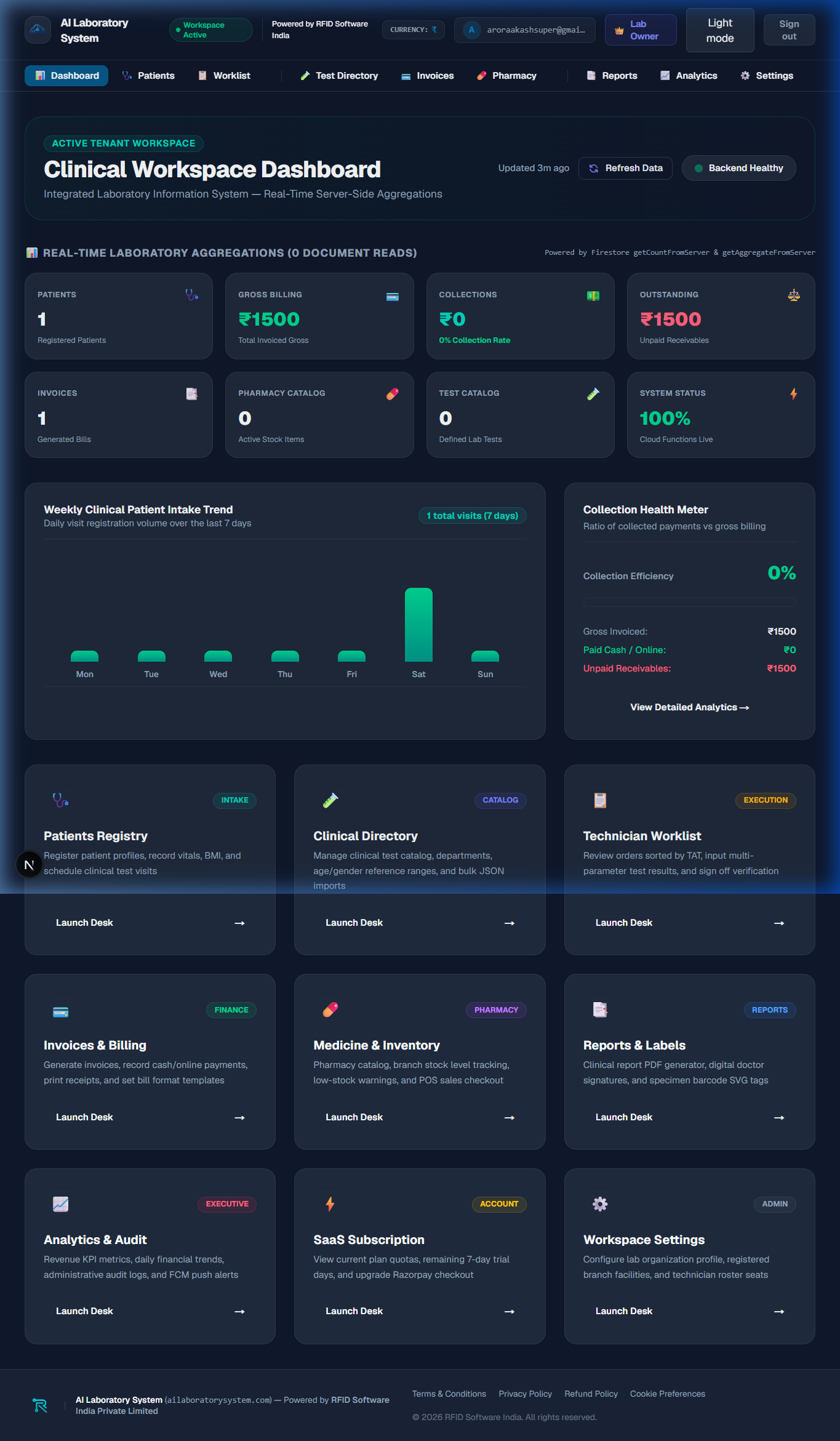
The **Executive LIS Dashboard** is the command center for daily pathology operations. It consolidates active patient visits, pending test result verifications, revenue totals, and analyzer connectivity metrics into real-time visual KPI widgets.
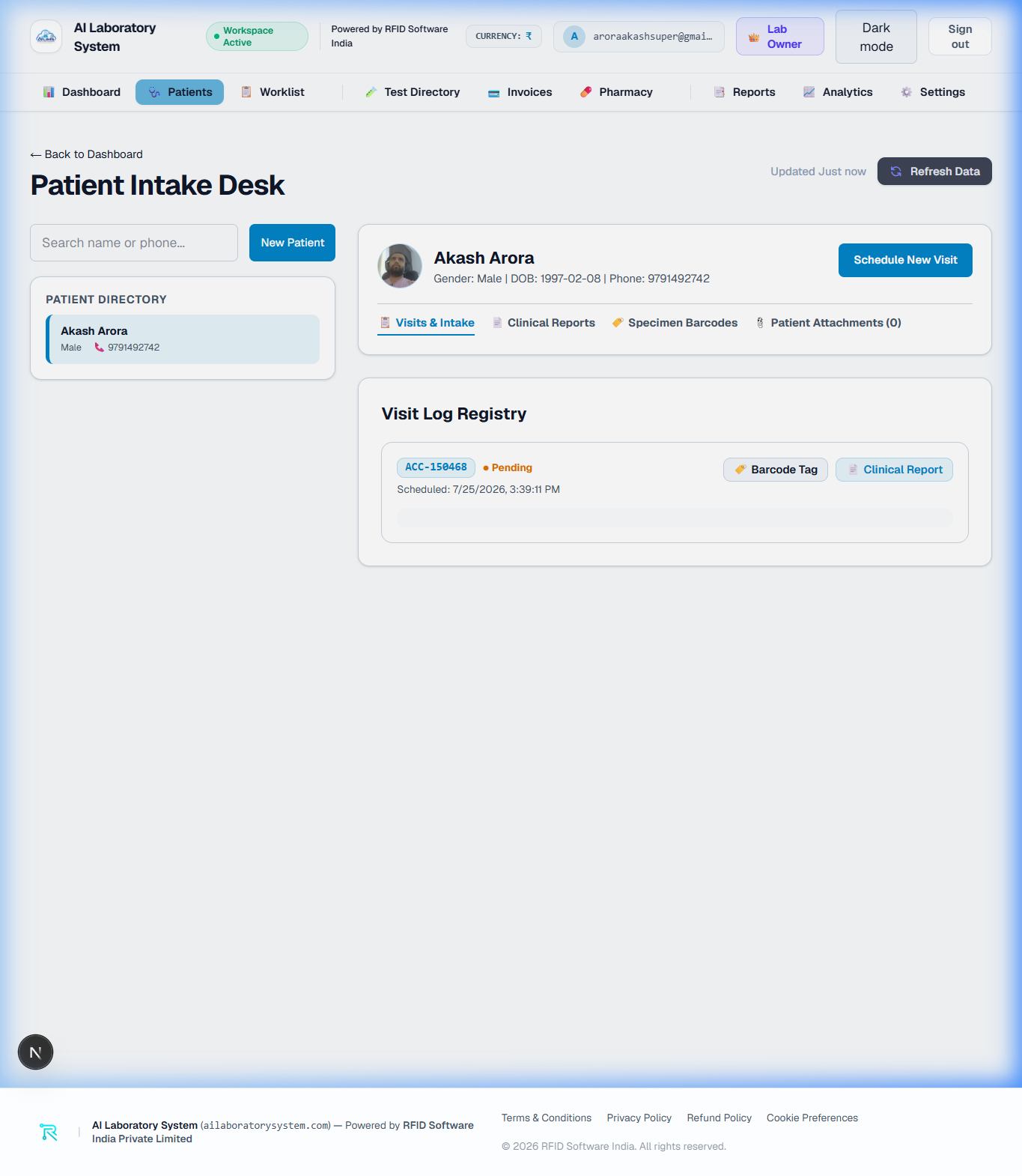
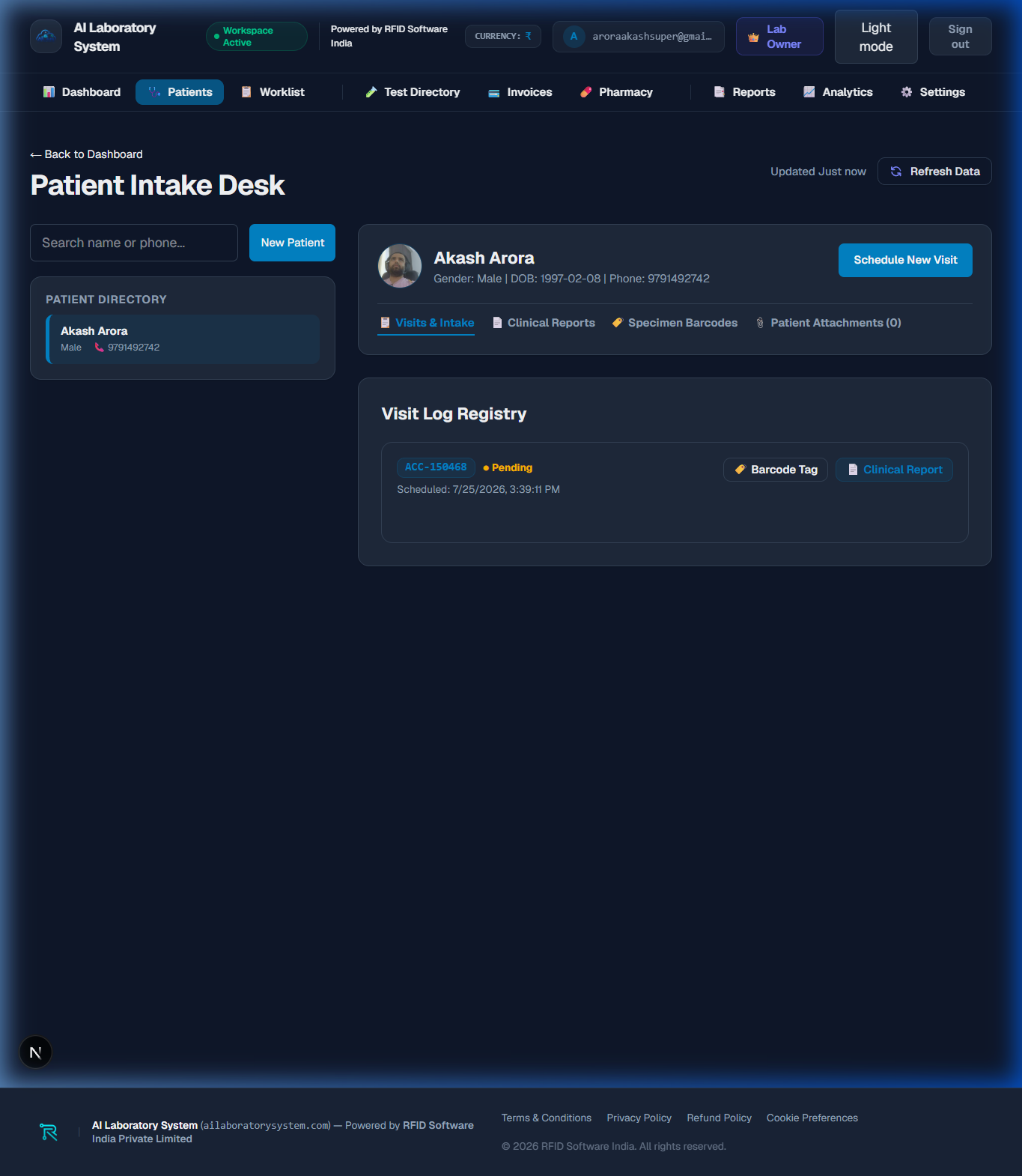
🩺 Patient Directory & Registration
The **Patient Directory** manages master patient records, medical history, contact details, and historical lab visits. Receptionists and phlebotomists use this module to register new patients, generate unique MRNs (Medical Record Numbers), and assign test panels.
- New Patient Intake: Click "+ Register New Patient" to capture full name, age/DOB, gender, mobile number, and referring doctor.
- Search & Filter: Instantly filter patients by MRN, mobile number, or registration date range.
- Visit History: View previous test reports, historic lab values, and billing receipts for repeat diagnostic visits.
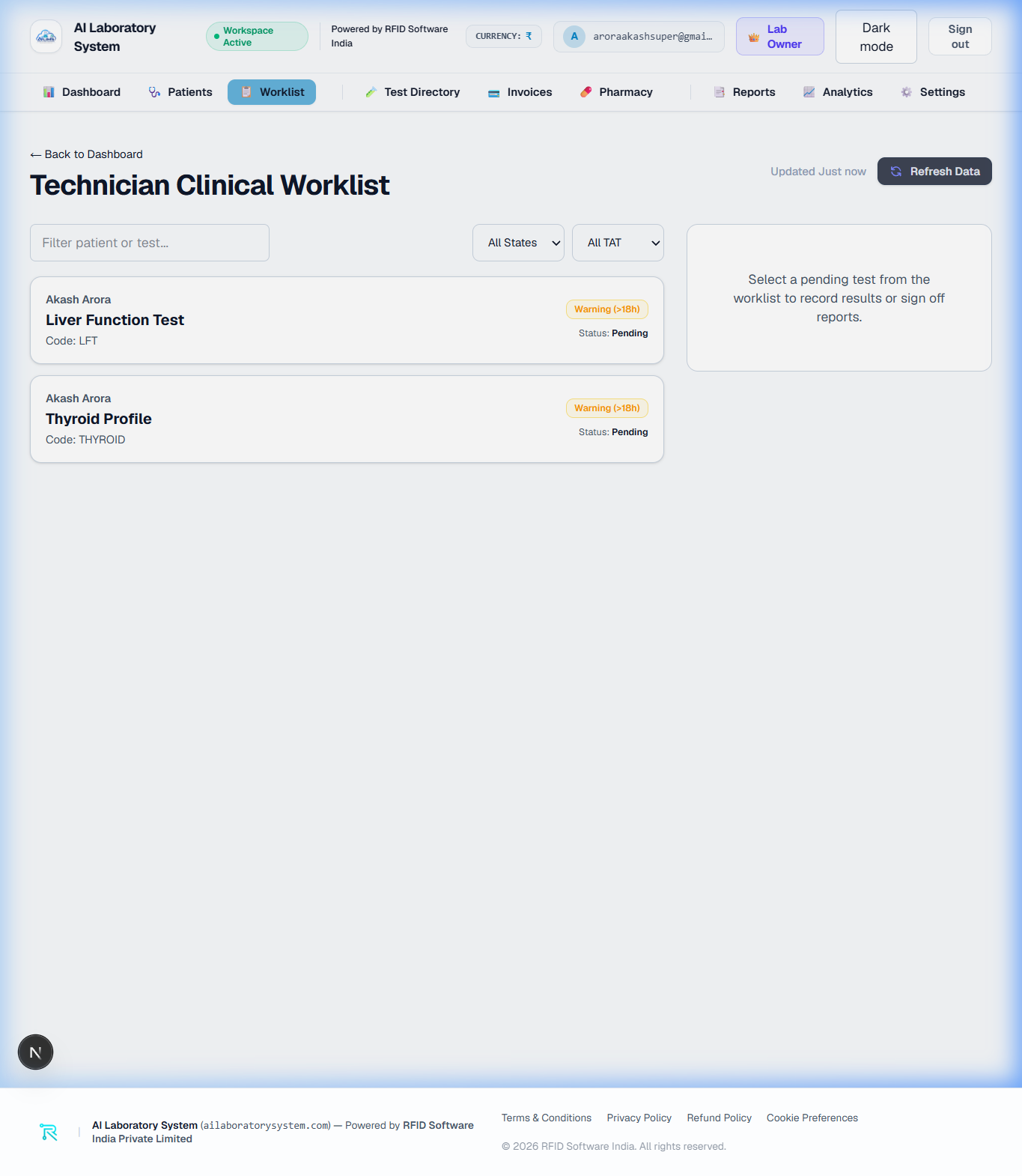
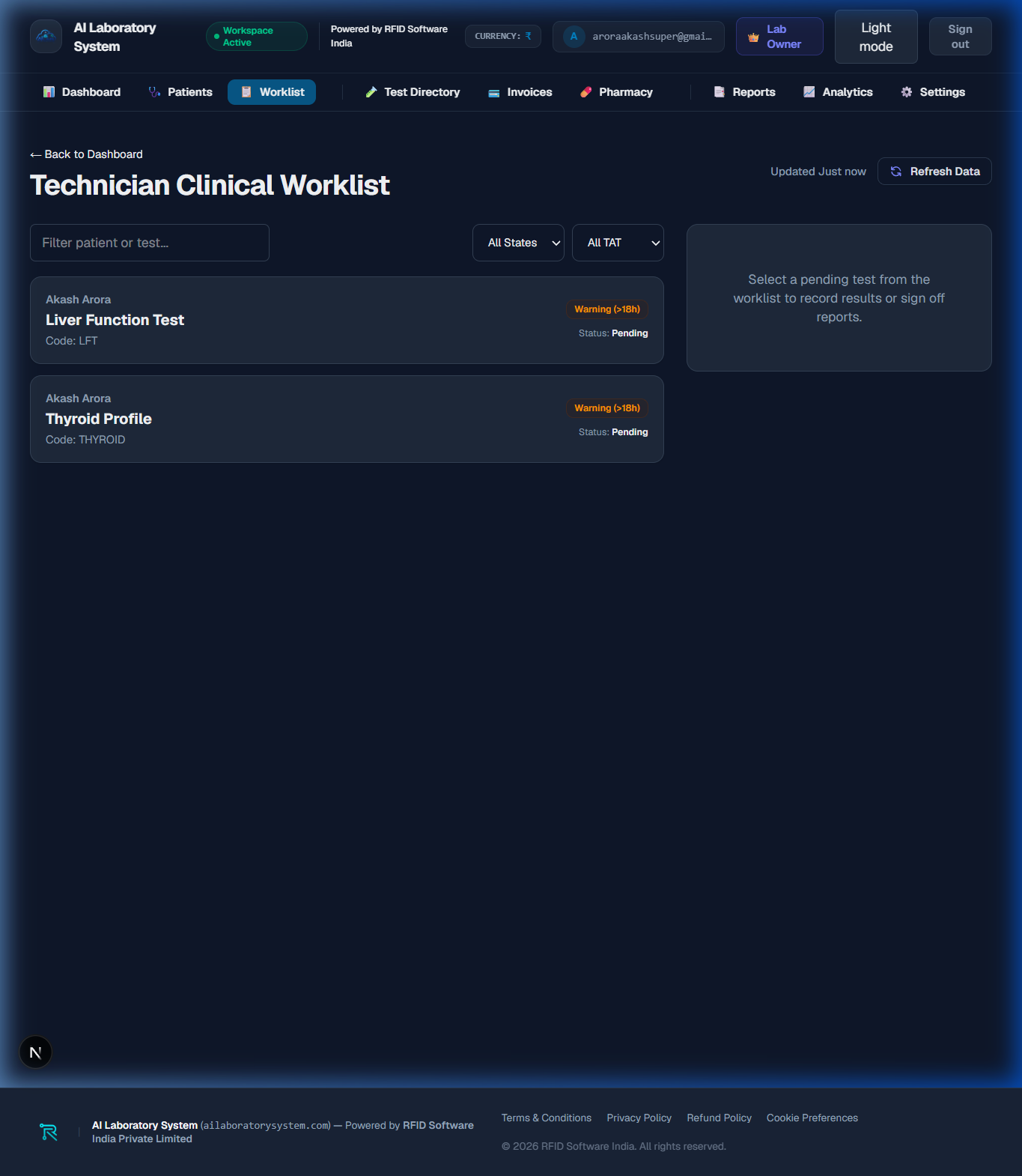
📋 Worklist & Specimen Processing
The **Lab Worklist** tracks every diagnostic test sample through its lifecycle: **Sample Collection → Analyzer Result Processing → Pathologist Result Entry → Final Verification**.
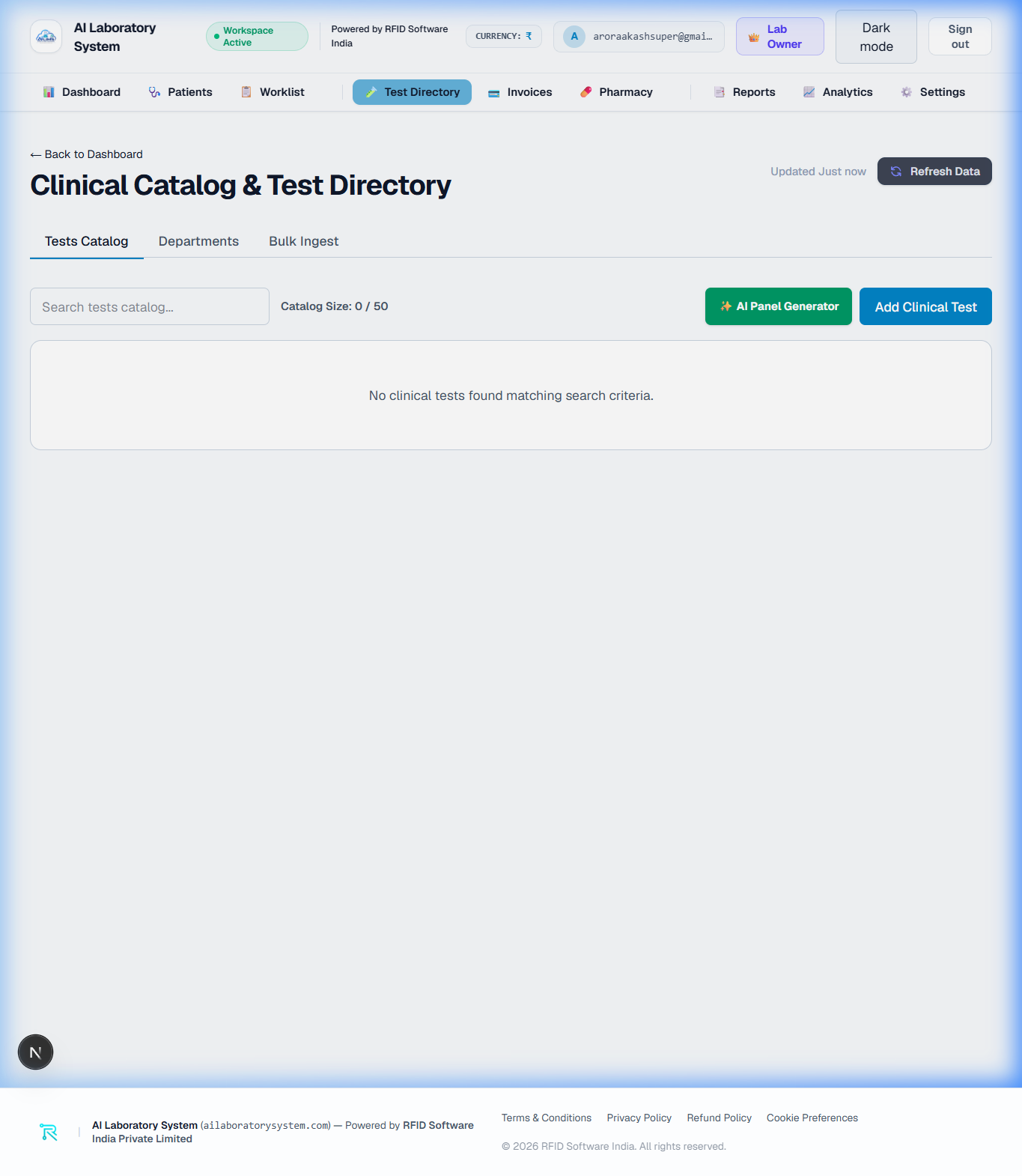
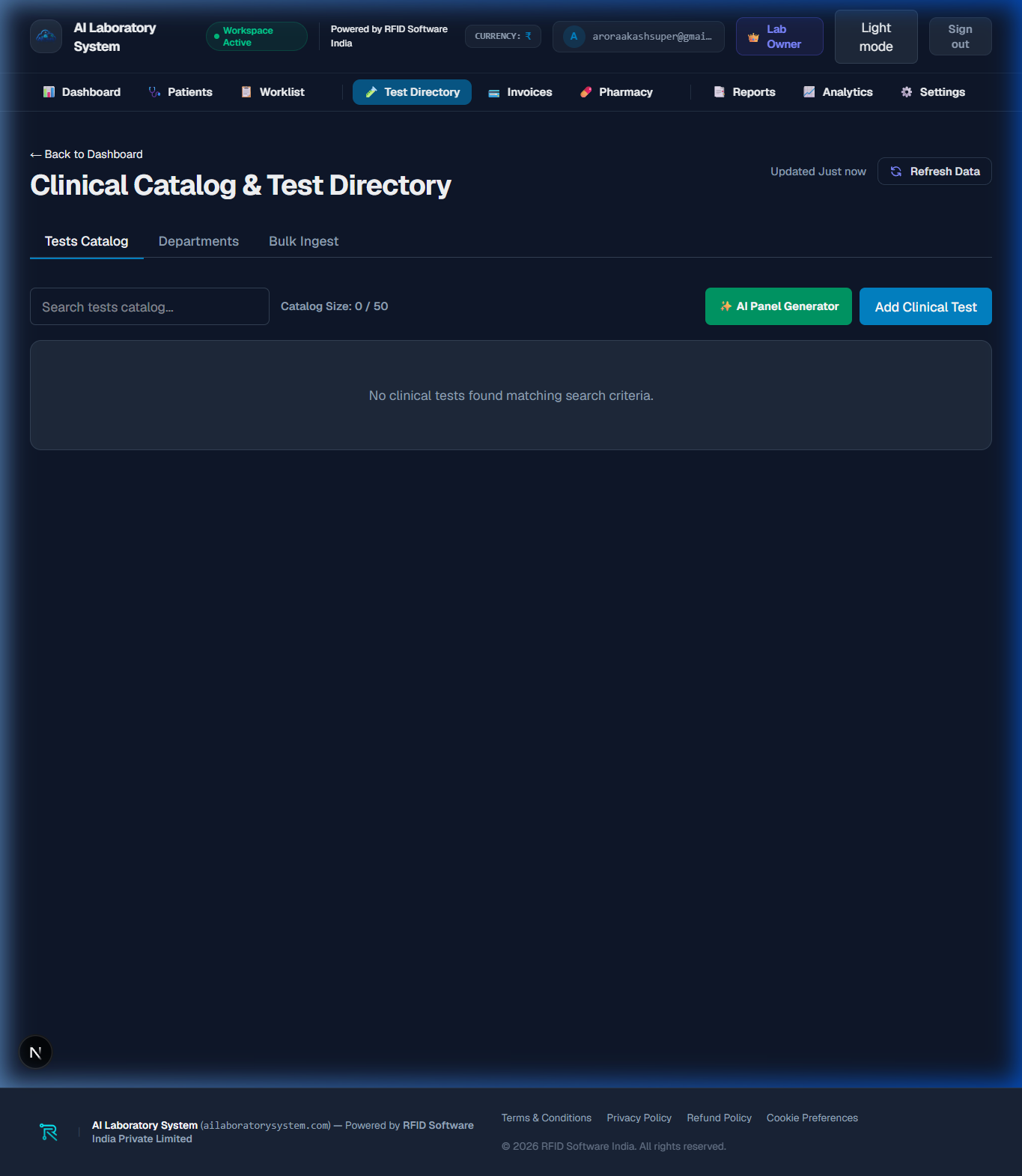
🧪 Test Directory & Parameter Catalog
The **Test Directory** allows Laboratory Admins to configure test codes, normal reference ranges (by age & gender), pricing tags, specimen container types, and measurement units (mg/dL, g/dL, 10^3/uL).
- Test Panel Configuration: Group individual analytes into comprehensive panels (e.g., Complete Blood Count, Lipid Profile, Liver Function Test).
- Bi-directional Analyzer Mapping: Map ASTM/HL7 result keys to LIMS test parameters for seamless machine result population.
- Critical Value Alerts: Set high/low panic limits to flag abnormal patient values instantly on the worklist.
💳 Billing & Patient Invoices
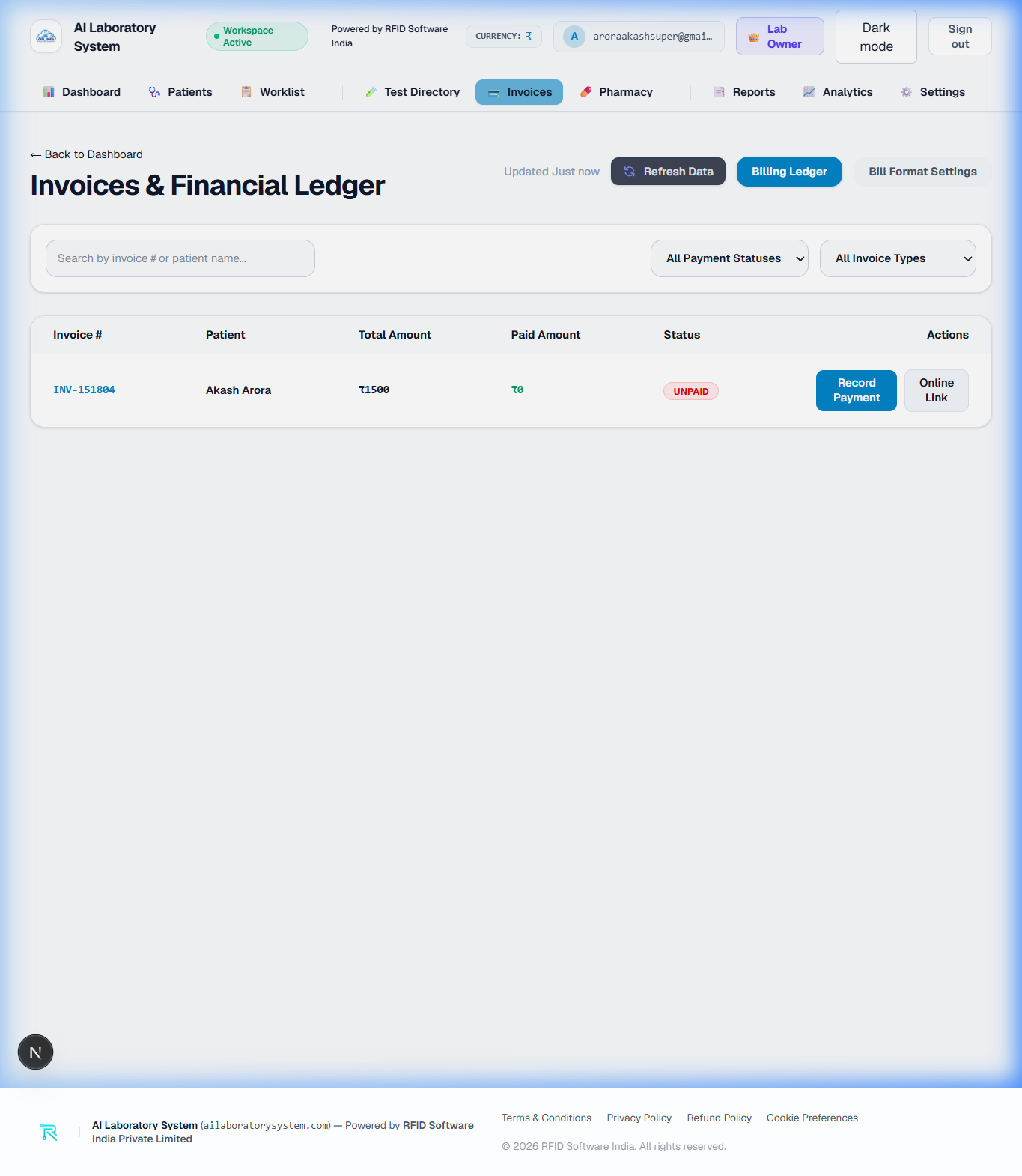
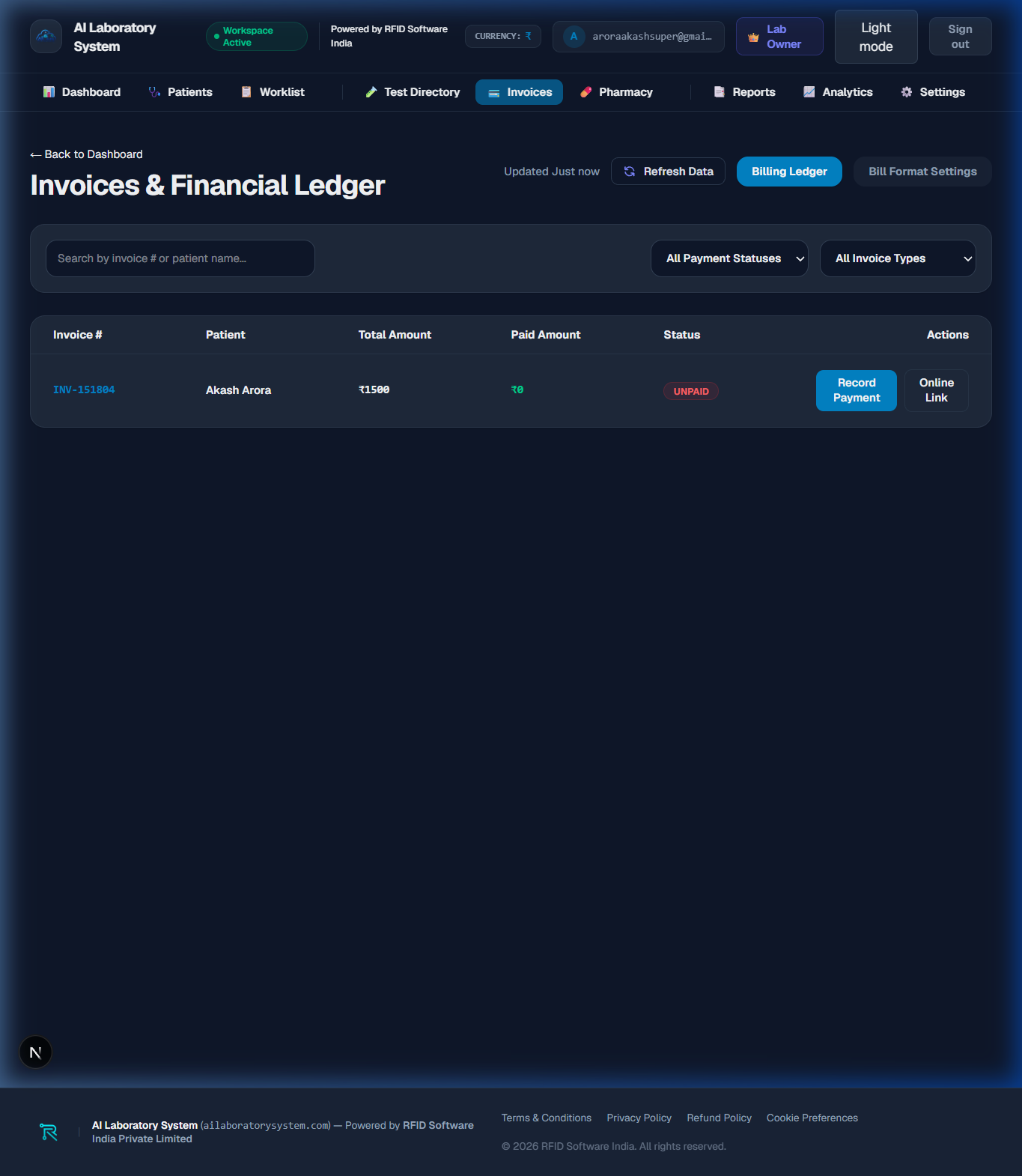
The **Billing & Invoices** module handles billing generation, payment collection (Cash, UPI, Credit Card), discount management, and printable thermal/A4 financial receipts.
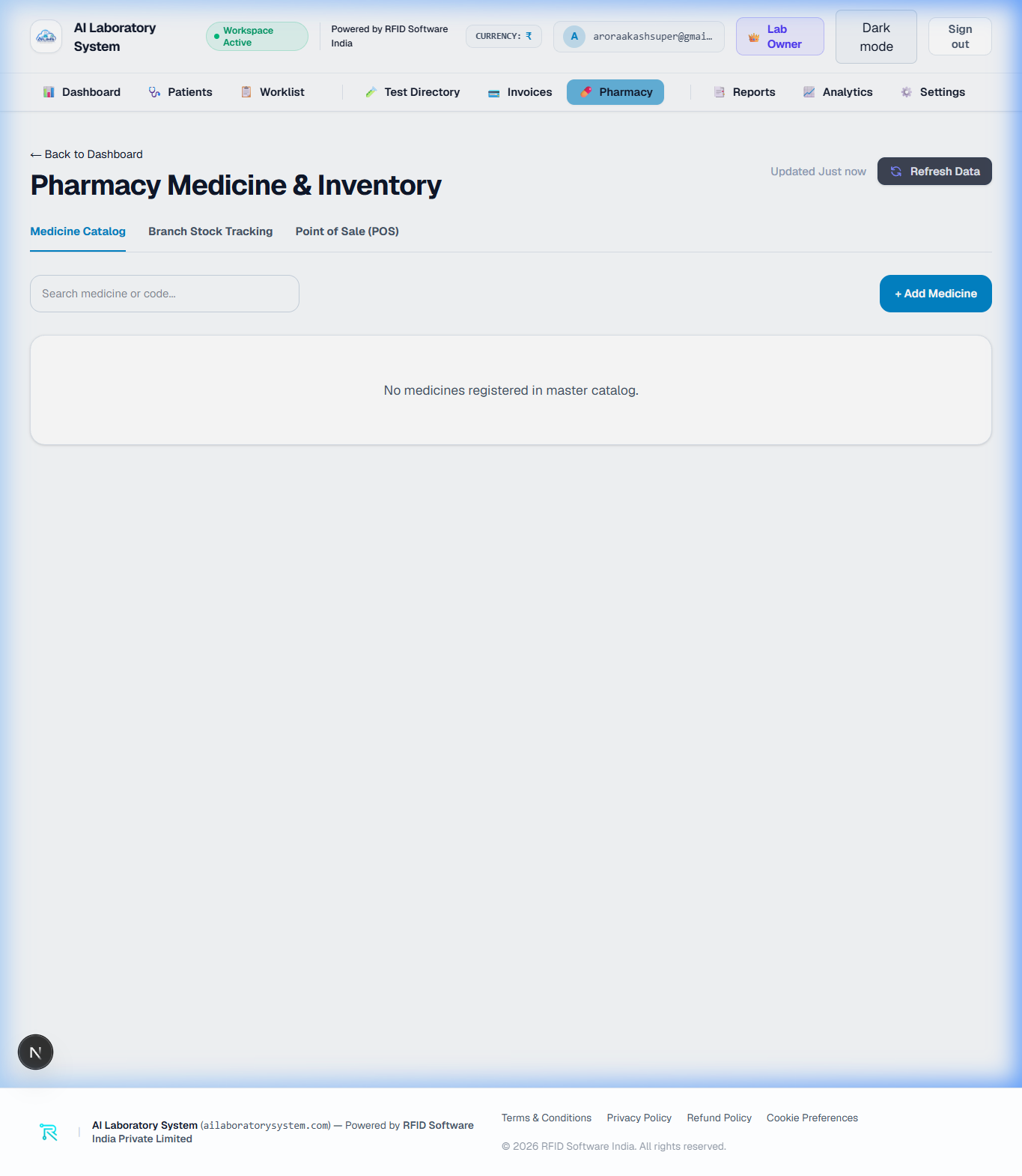
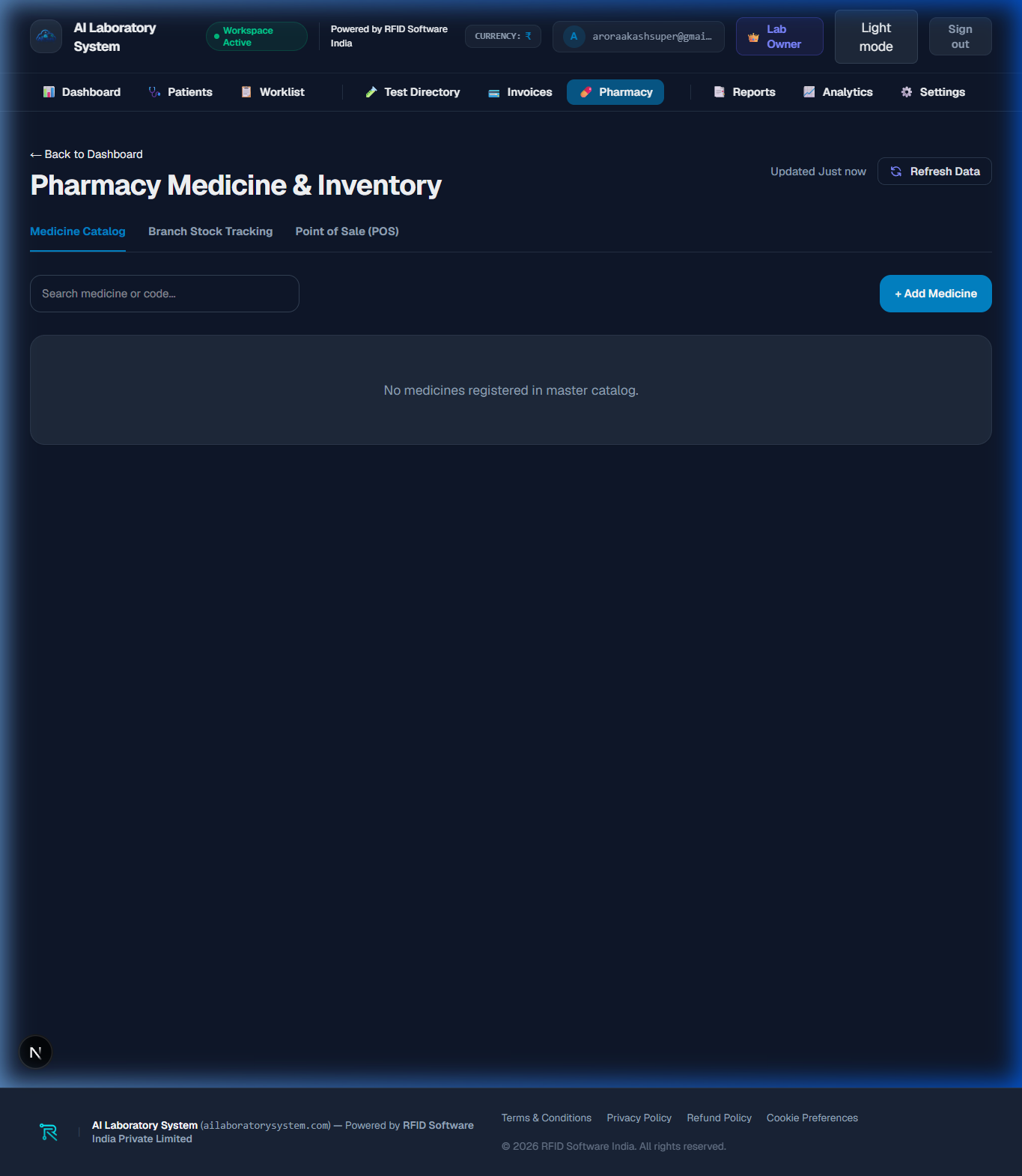
💊 Pharmacy POS & Inventory Tracking
The **Pharmacy POS** module tracks medicine inventory, batch expiry dates, reorder stock alerts, and point-of-sale retail billing for integrated diagnostic clinics.
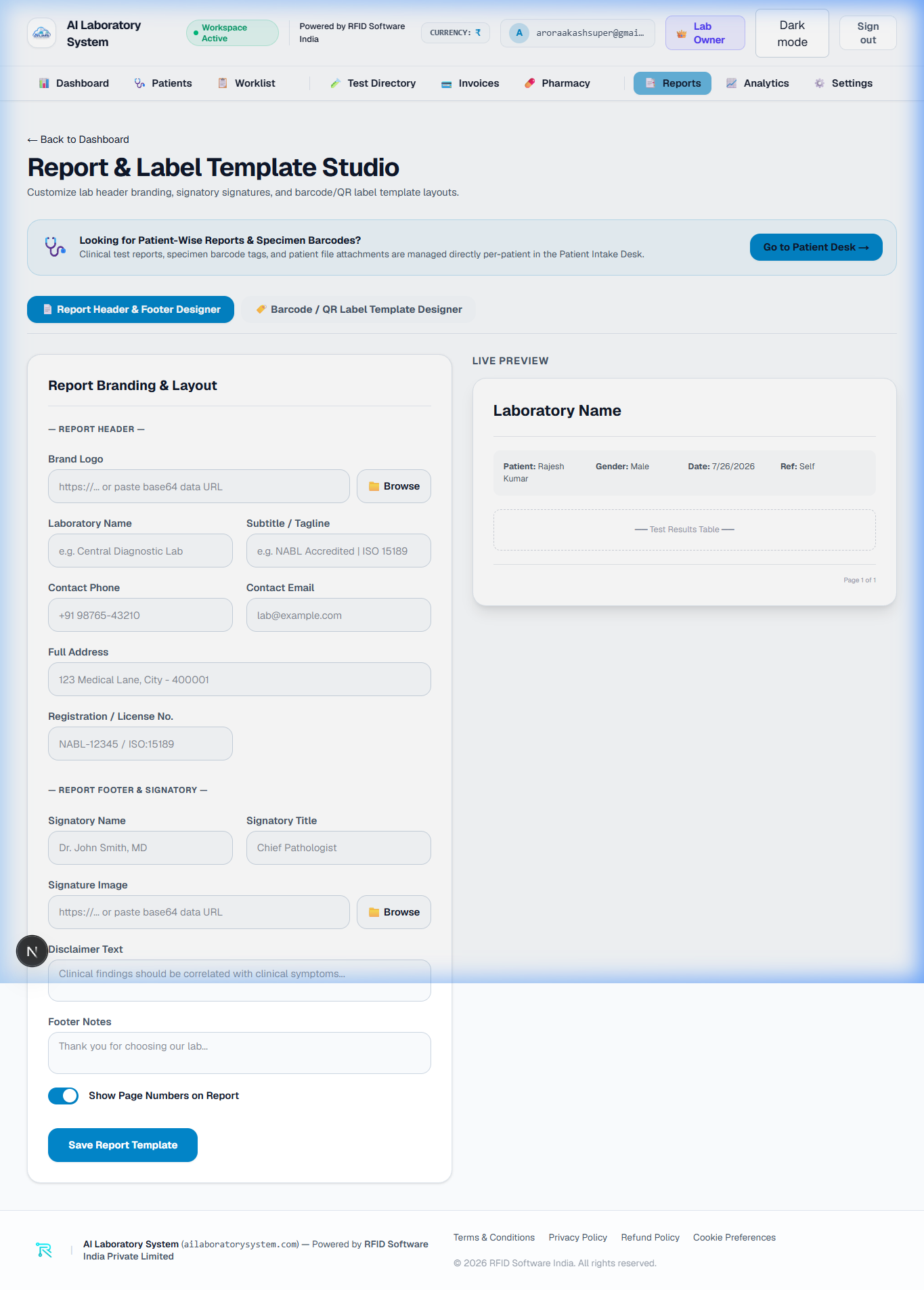
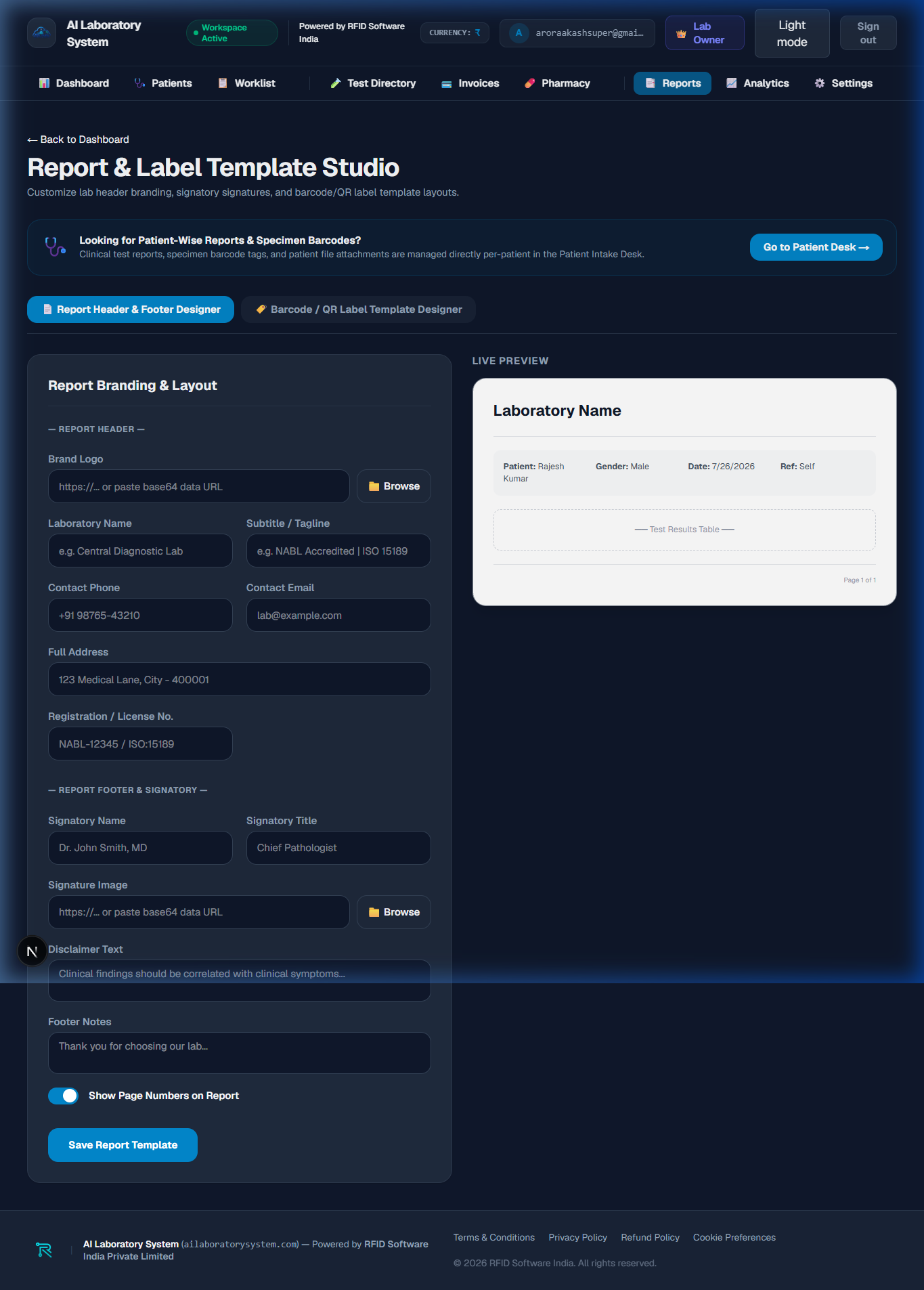
📑 Diagnostic Reports & PDF Engine
Generate NABL-compliant medical pathology reports with anti-tamper QR code verification and digital pathologist signatures.
📈 Executive & Financial Analytics
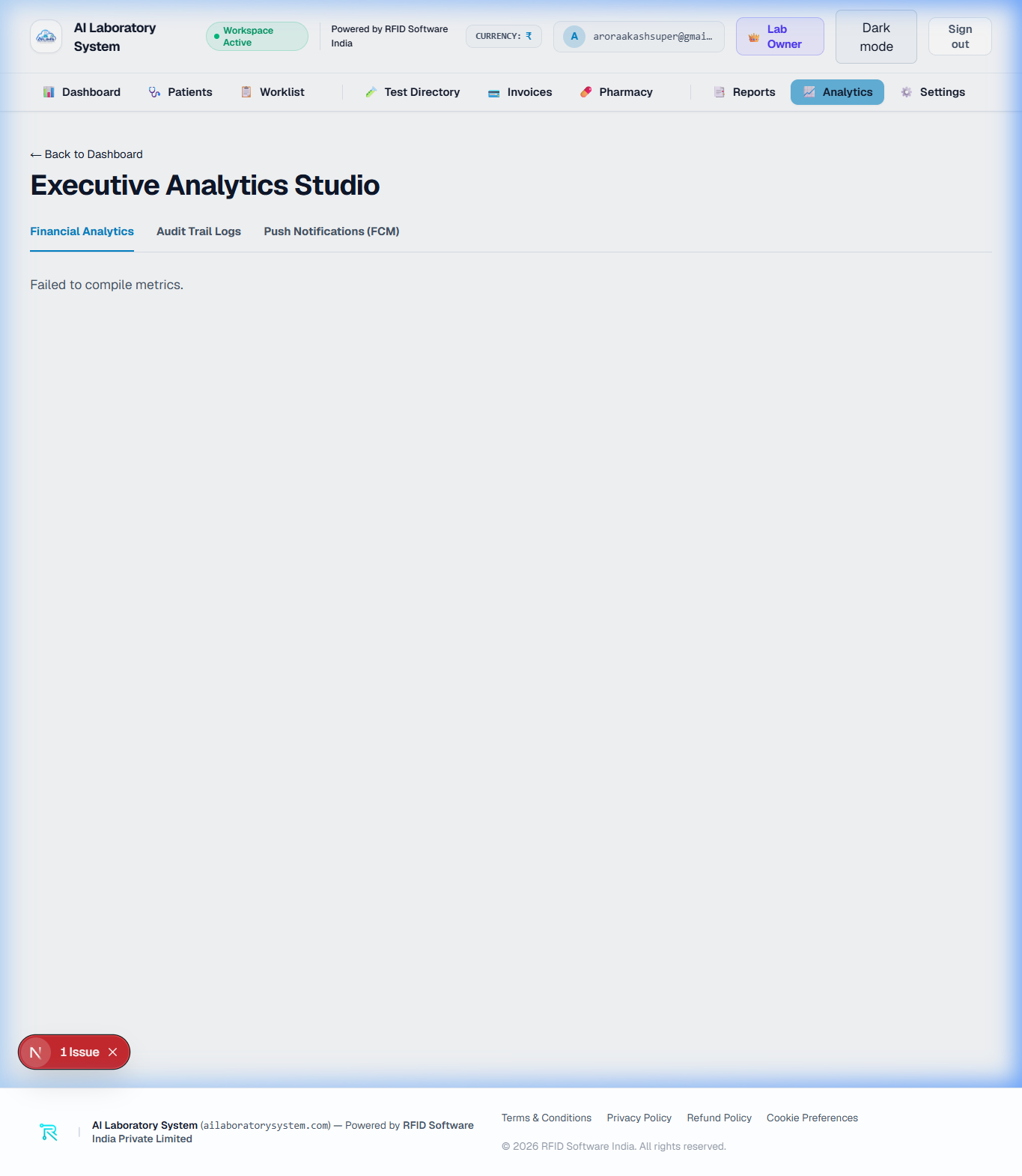
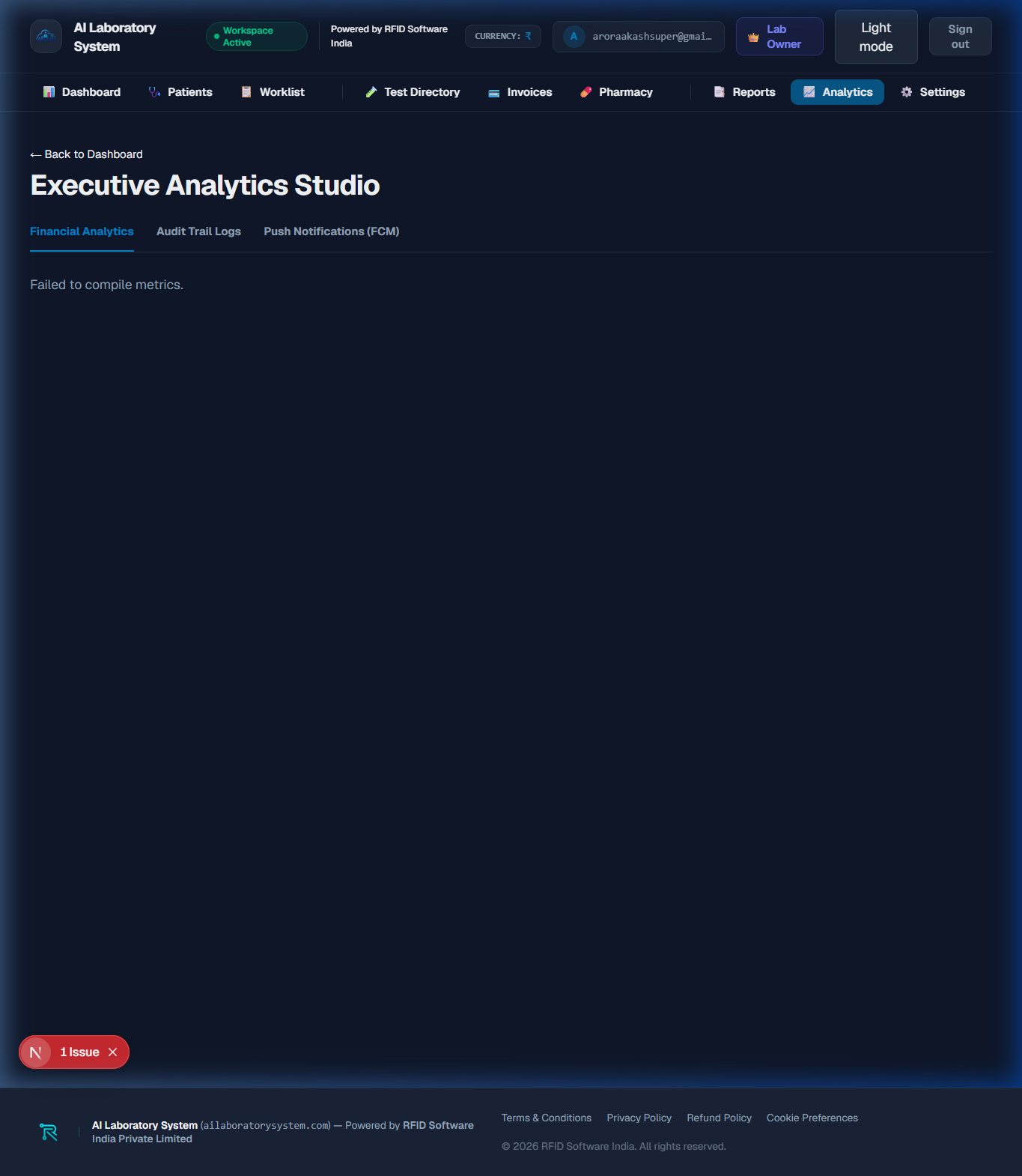
Analyze laboratory revenue breakdown, top requested diagnostic tests, monthly patient volume growth trends, and referring doctor referral statistics.
⚙️ Laboratory Profile & Settings
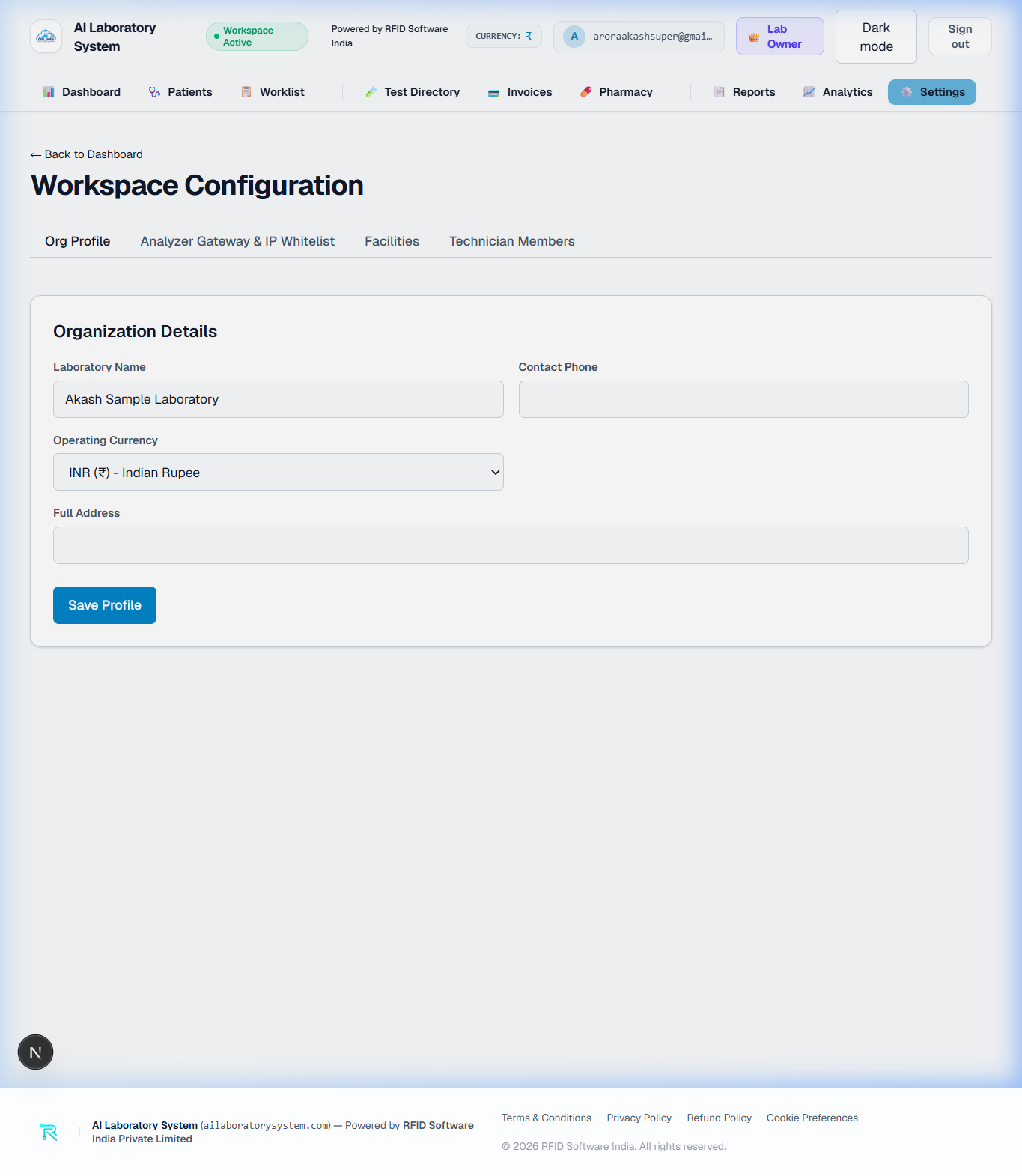
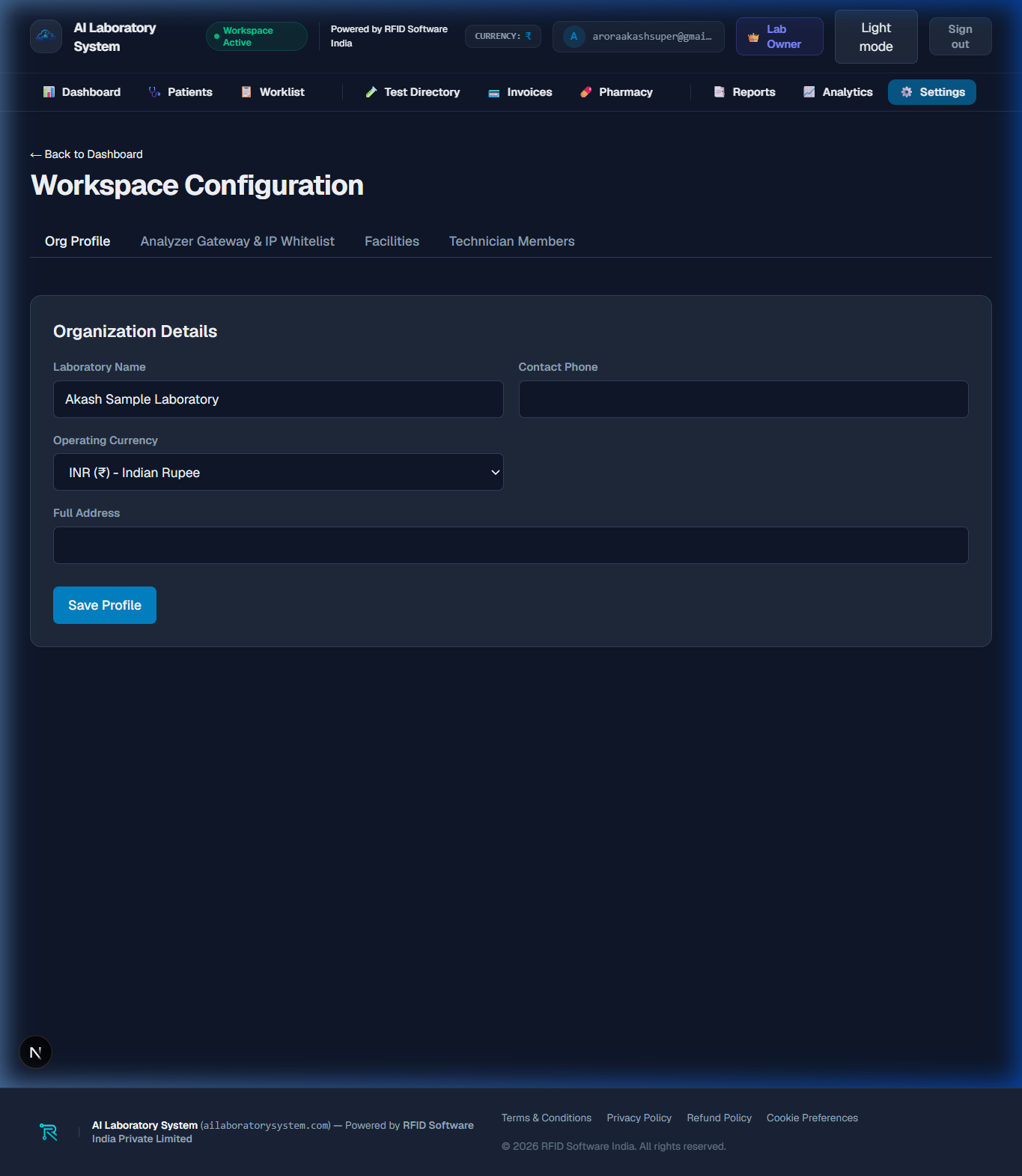
Configure laboratory branding, custom header logos, digital pathologist signatures, default billing currency, report template settings, and staff member permissions.
👑 Subscription Catalog & Global Config
Manage multi-tenant subscription tiers (Starter Free, Pro Lab, Enterprise Unlimited), adjust monthly patient quotas, and grant/revoke Super Admin security privileges.
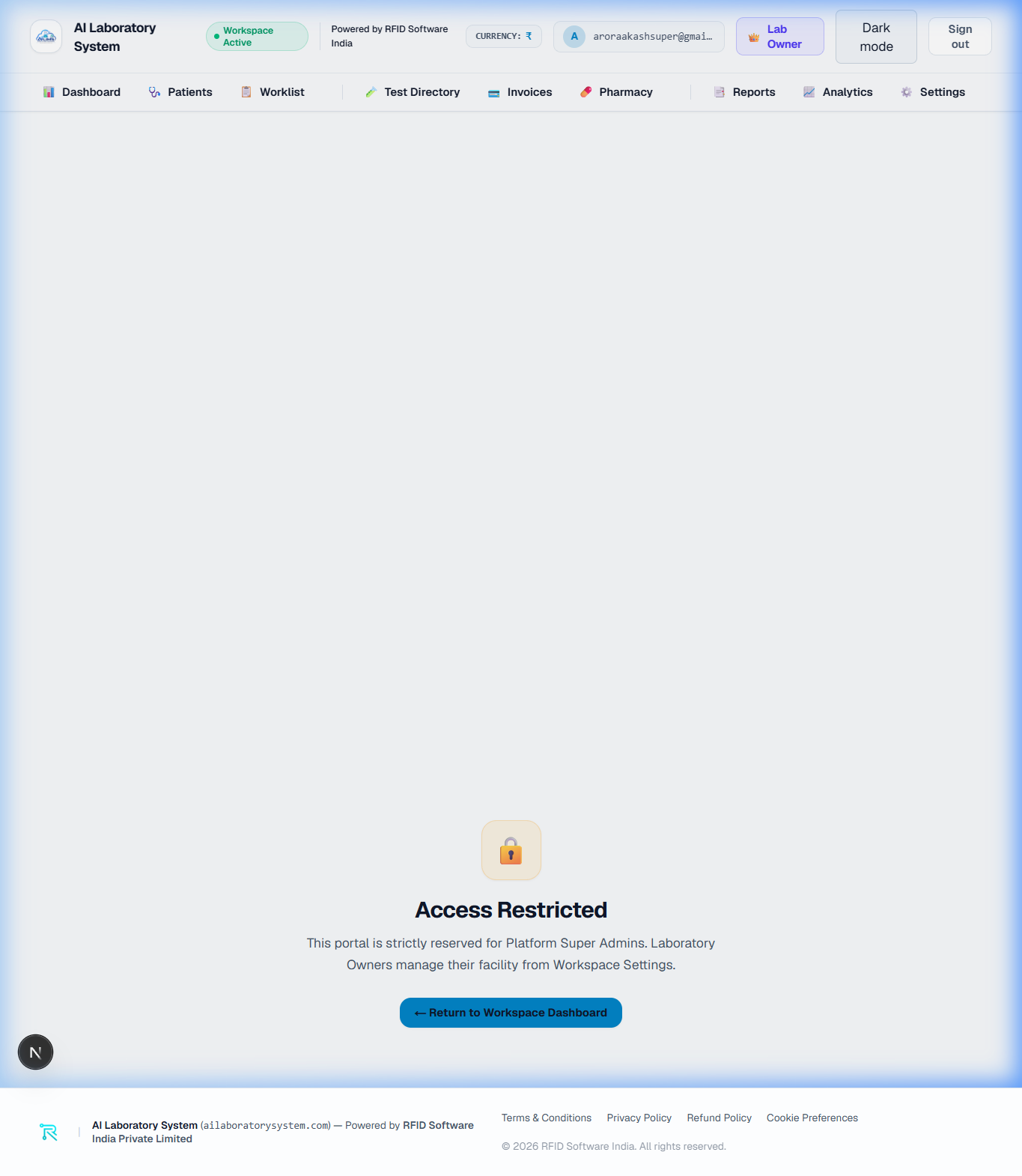
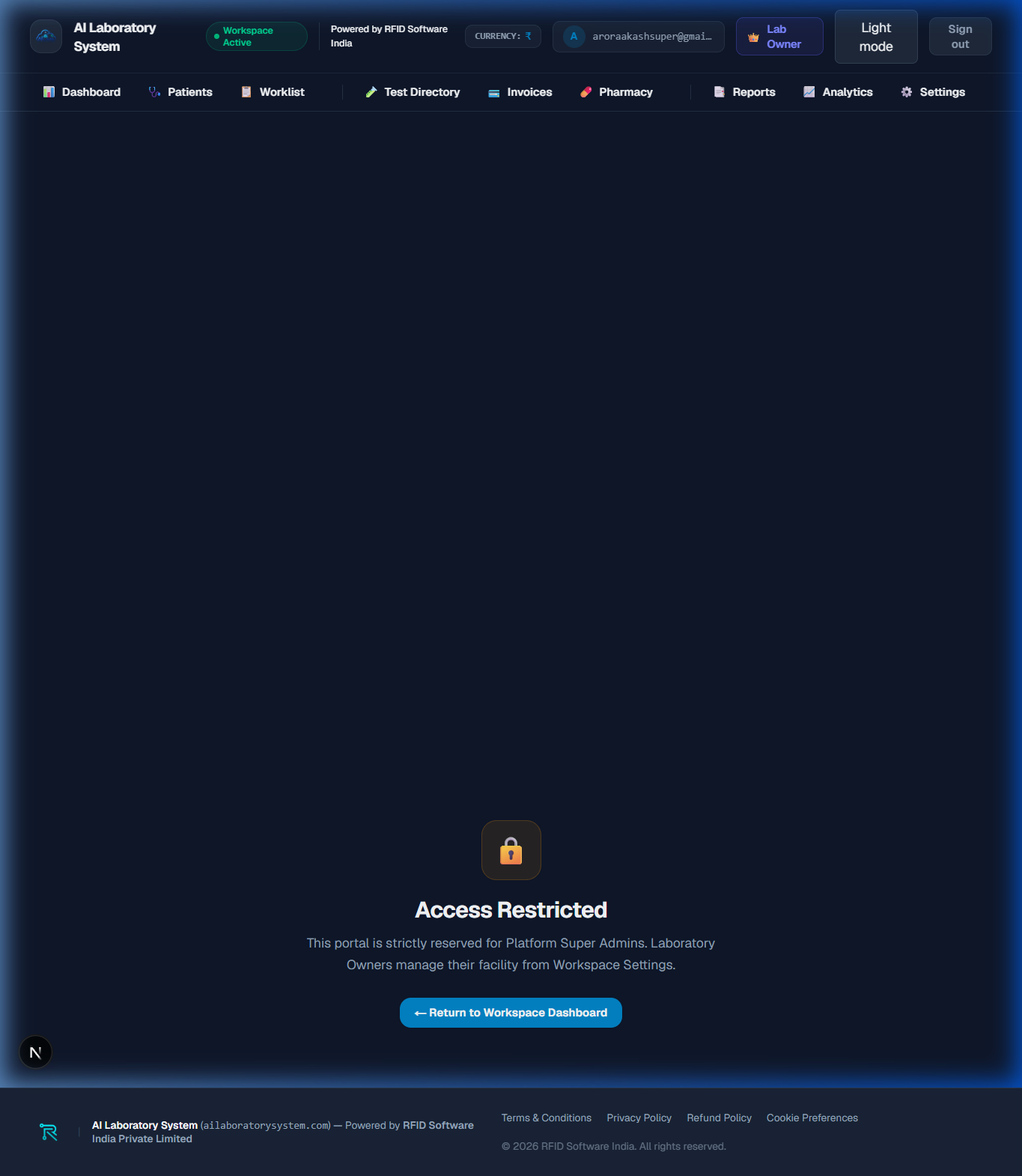
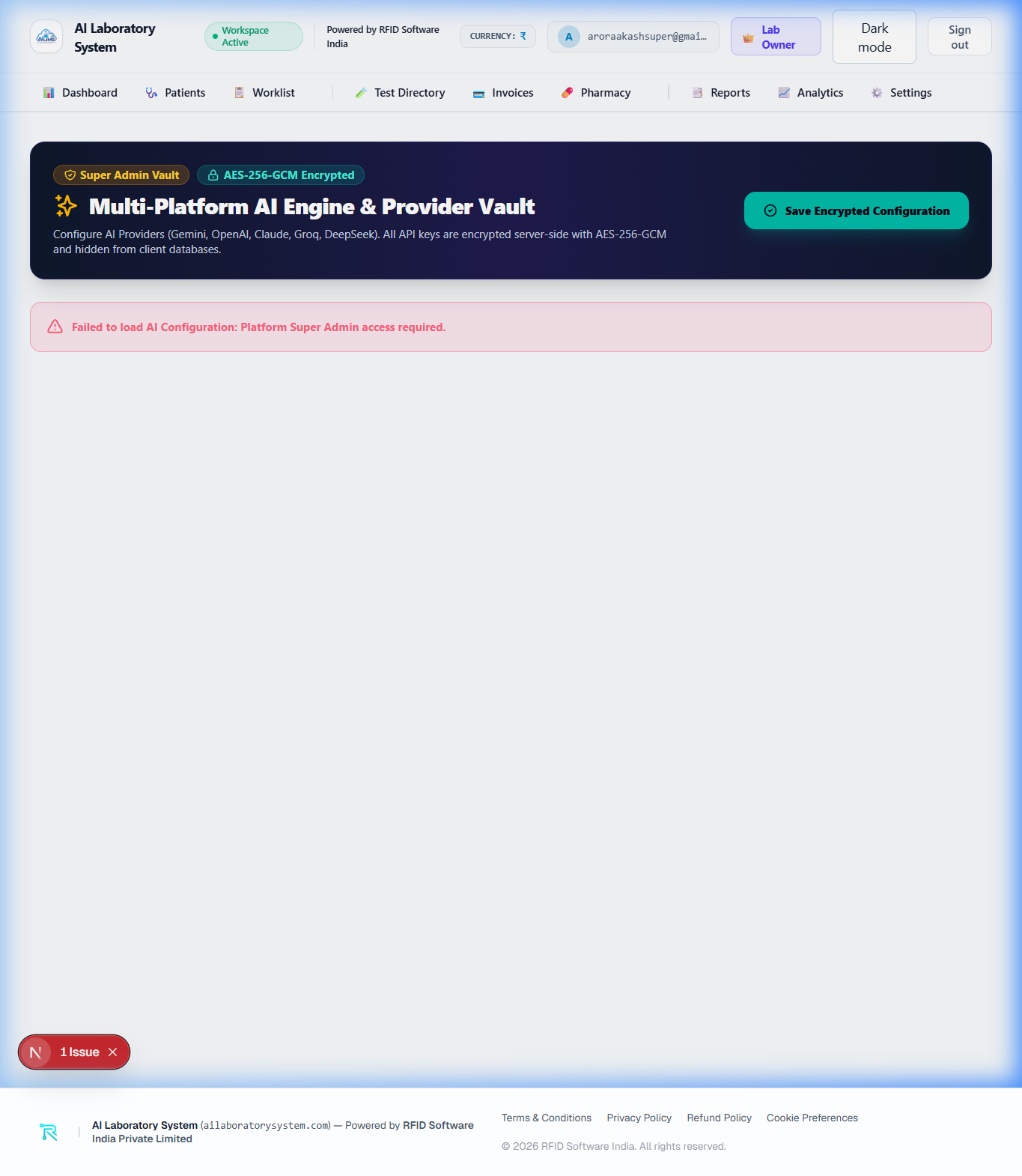
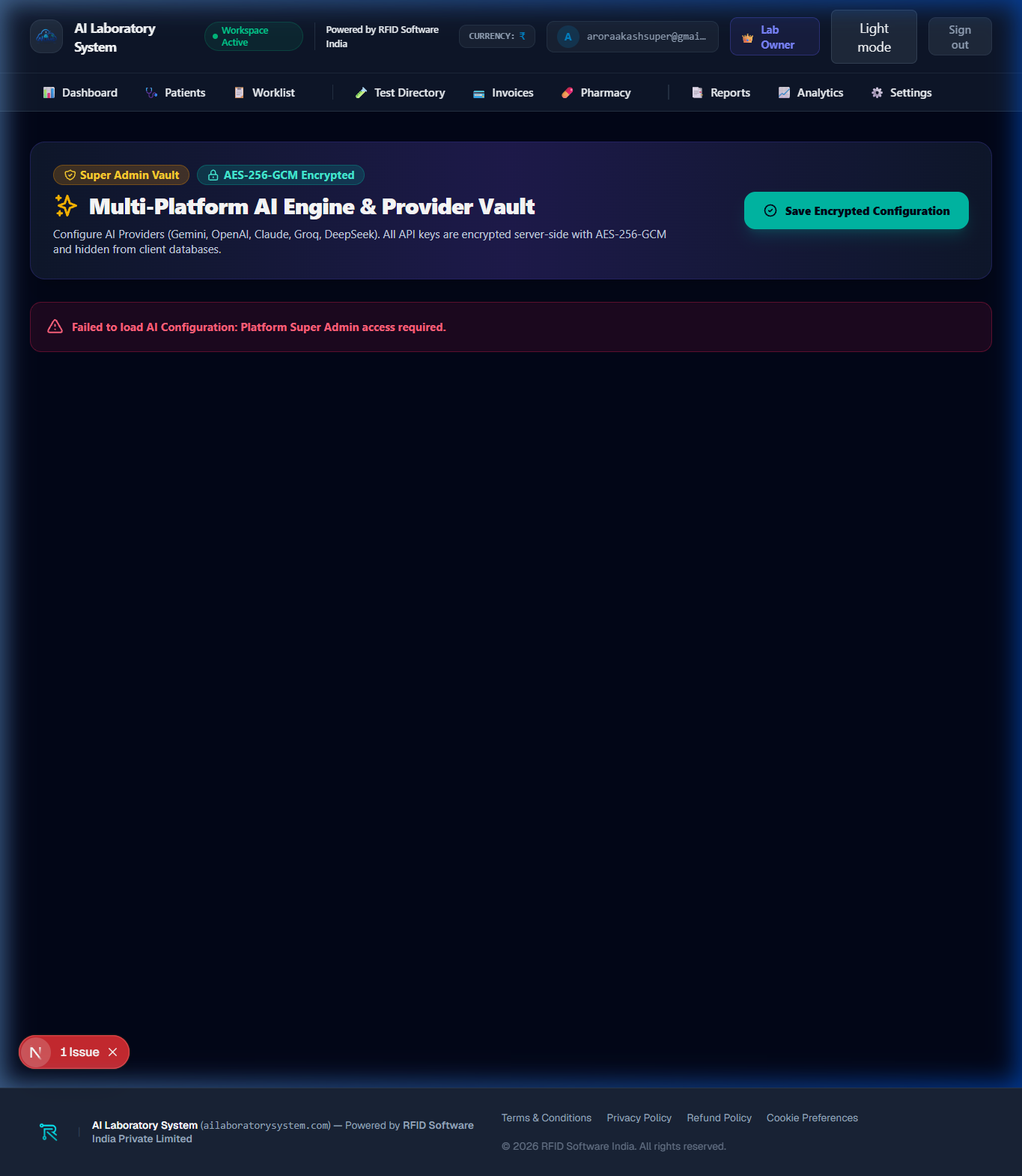
✨ AI Engine Configuration
Configure Gemini-powered AI clinical impression generation rules, auto-verification thresholds, and Westgard quality control delta check parameters.
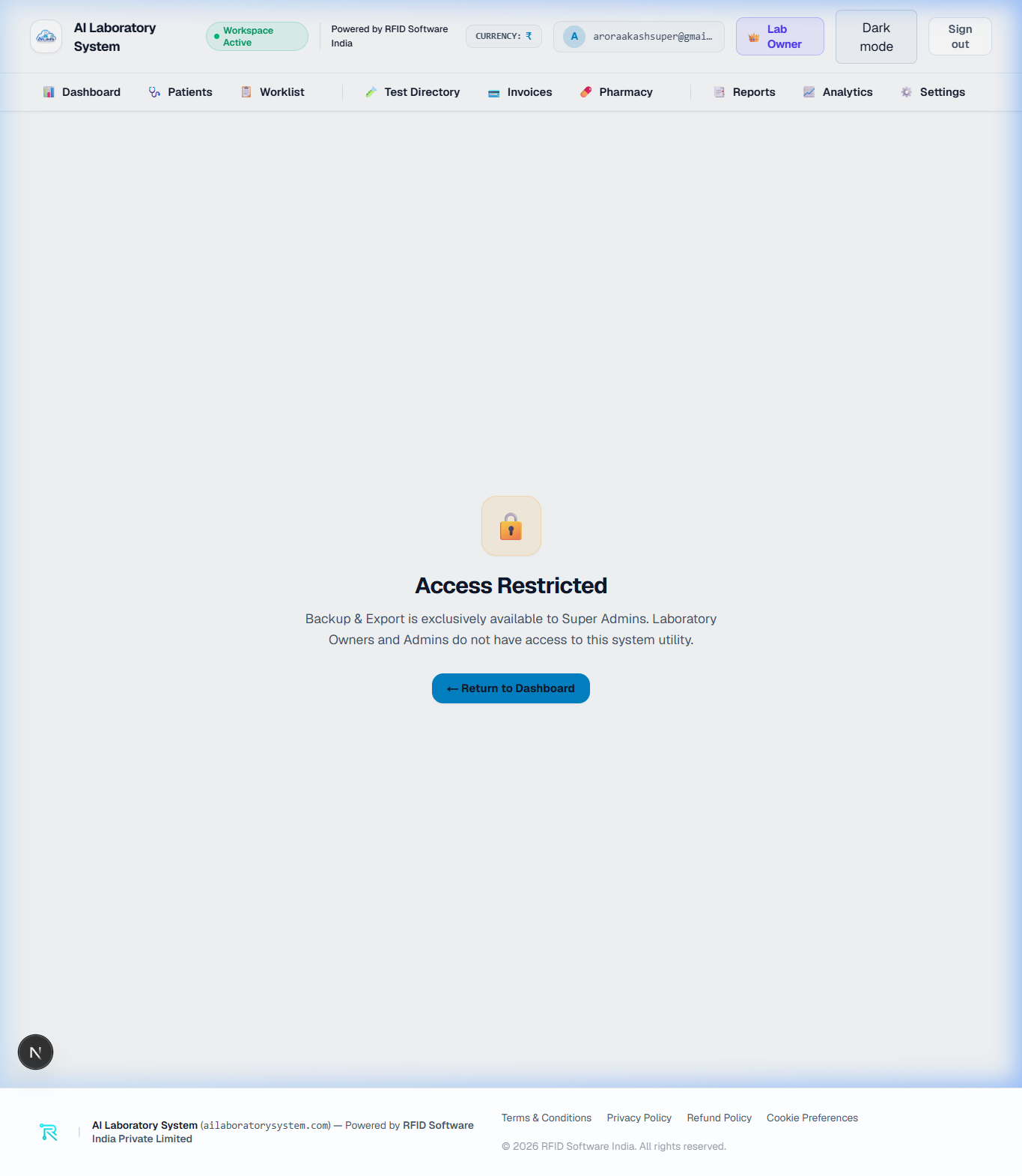
💾 Data Backup & System Export
Trigger automated Cloud Firestore JSON/CSV database backups, export patient archives, and download system diagnostic audit logs.